Loading…
サポート · Support
How can we help?
Quick answers about purchases, sync, studying and search, plus a direct line to the developer when you need one.
Purchases & ads
How do I remove ads?
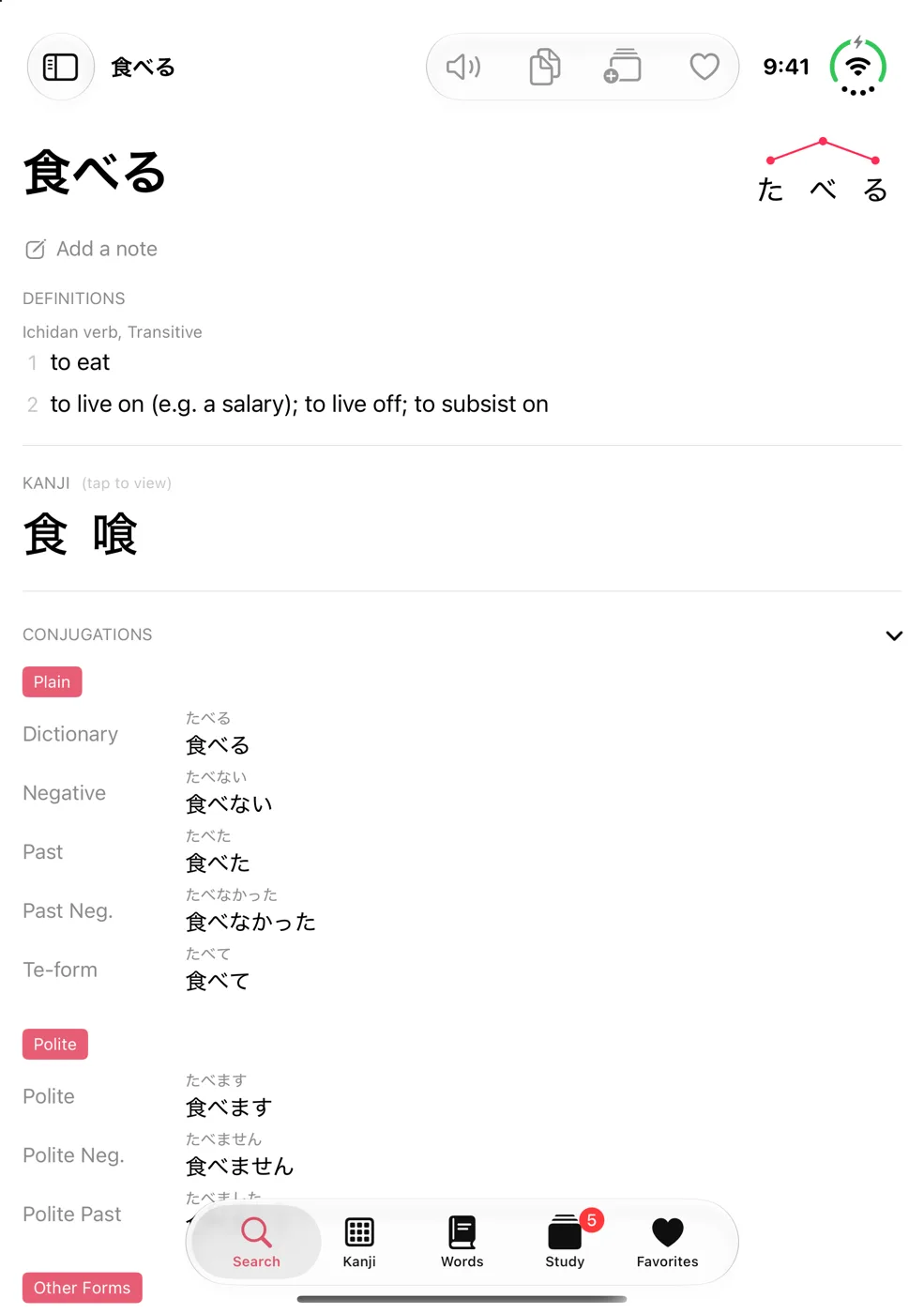
Tap the gear above the search bar to open Settings, then choose Remove Ads under Premium. It's a one-time purchase that removes every banner ad.
I already paid, but I still see ads
Open Settings and tap Restore Purchases. Make sure you're signed in with the same Apple Account you used to buy it. This also works on a new iPhone, iPad or Mac.
How do I get a refund?
Apple handles every App Store payment, so refunds are requested from Apple at reportaproblem.apple.com. We can't see or issue them ourselves.
Sync & your data
Is my data backed up?
Yes. If you're signed in to iCloud, your favorites, flashcards, notes, study history and search history sync automatically across your devices. Nothing to set up.
Does the app work offline?
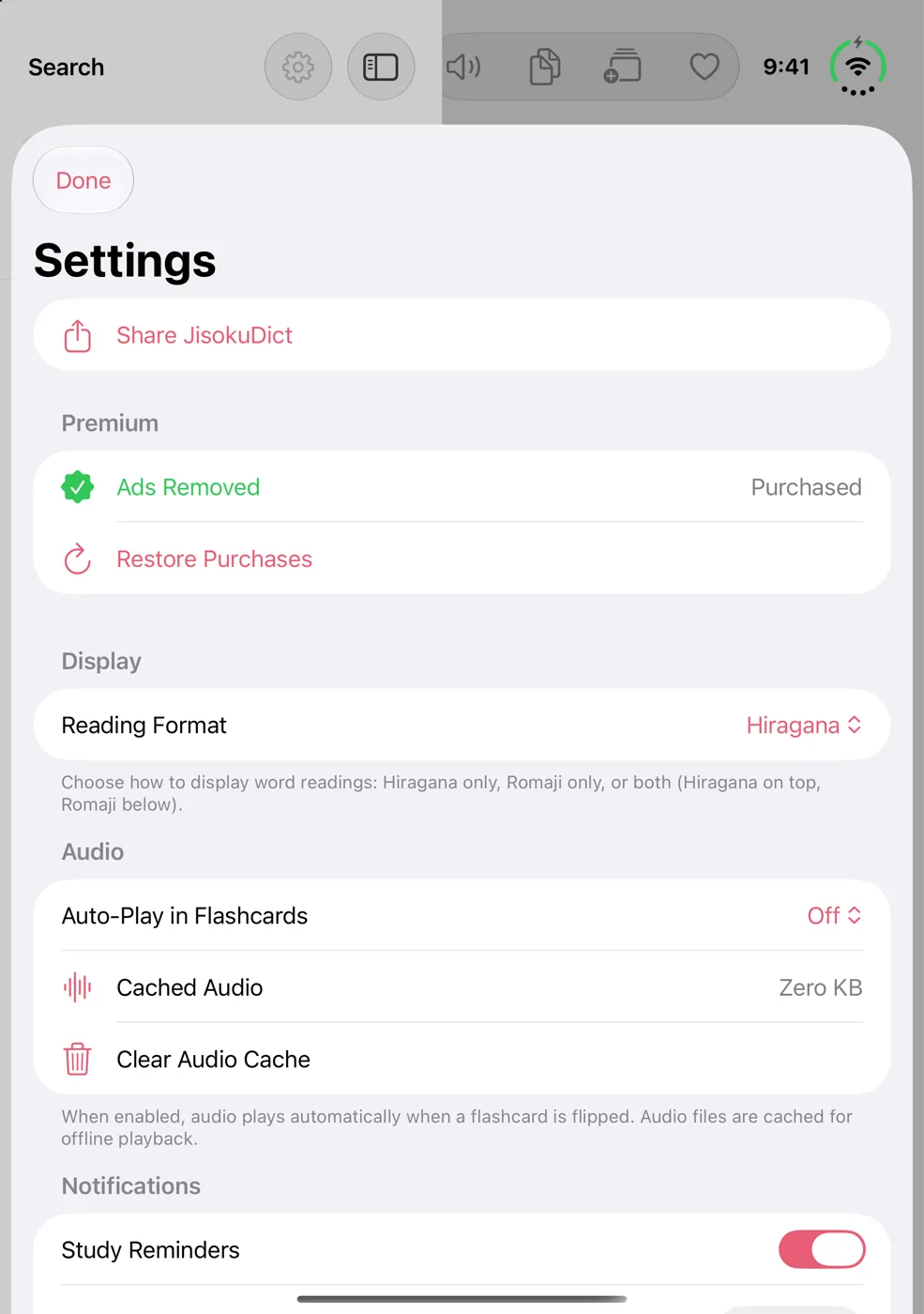
Yes. The whole dictionary lives on your device, so search never needs a connection. Audio is downloaded the first time you play it and then kept for offline use. You can clear it in Settings under Audio.
Search results look wrong or are missing
Open Settings, scroll to Dictionary Data and tap Reset Dictionary Database. It re-extracts the dictionary from the app. It takes about a minute, and your favorites and flashcards are stored separately so they aren't affected. If that doesn't fix it, let us know.
Study & streaks
How do I add words to study?
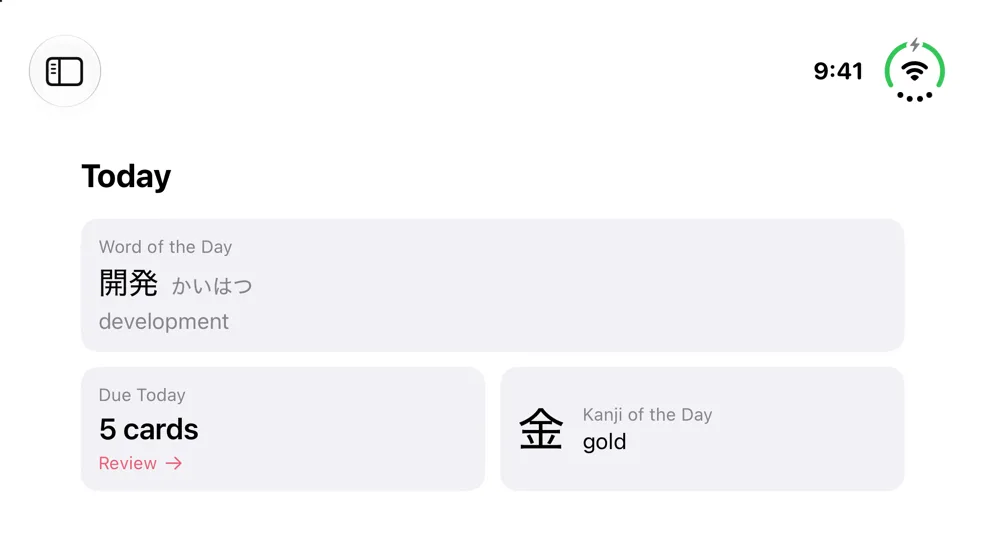
Open any word or kanji and tap Add to Study Deck. Cards that are due show up on the Today screen and in the Study tab.
How do I get a daily reminder?
In Settings, under Notifications, turn on Study Reminders and pick a time. If JisokuDict says notifications are disabled, allow them in the iOS Settings app first.
What are stamps?
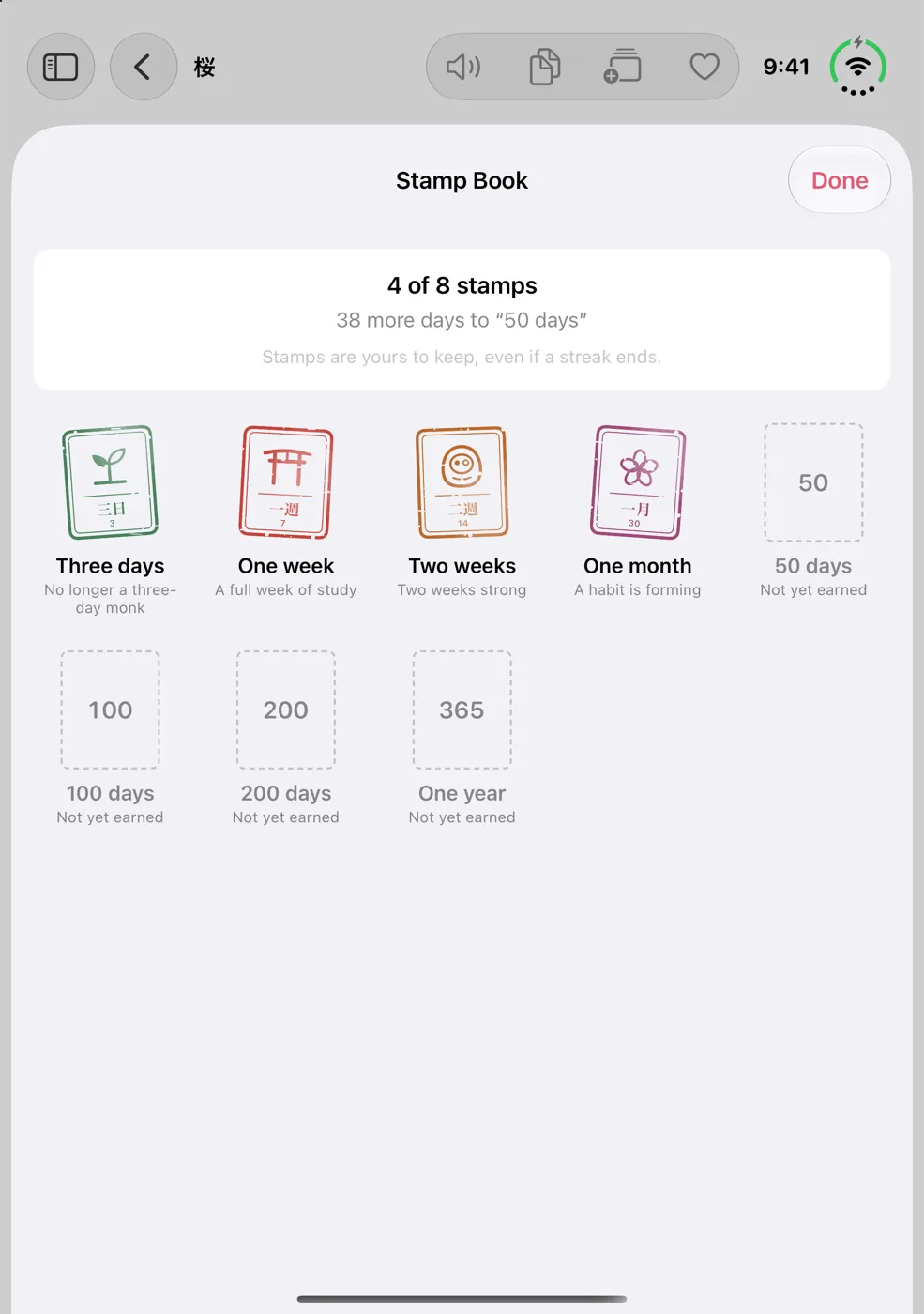
Study on consecutive days to earn stamps at 3 days, a week, two weeks, a month, then 50, 100, 200 and 365 days. Stamps are yours to keep, even if a streak ends.
Search & dictionary
Do I need a Japanese keyboard?
No. Search in English, kana or romaji: typing taberu finds 食べる. JisokuDict works out which one you meant.
Can I look up text from a photo?
Yes. Tap the camera or photo icon in the search bar to read Japanese from a sign, menu or screenshot and look it up.
How do I find a kanji I can’t type?
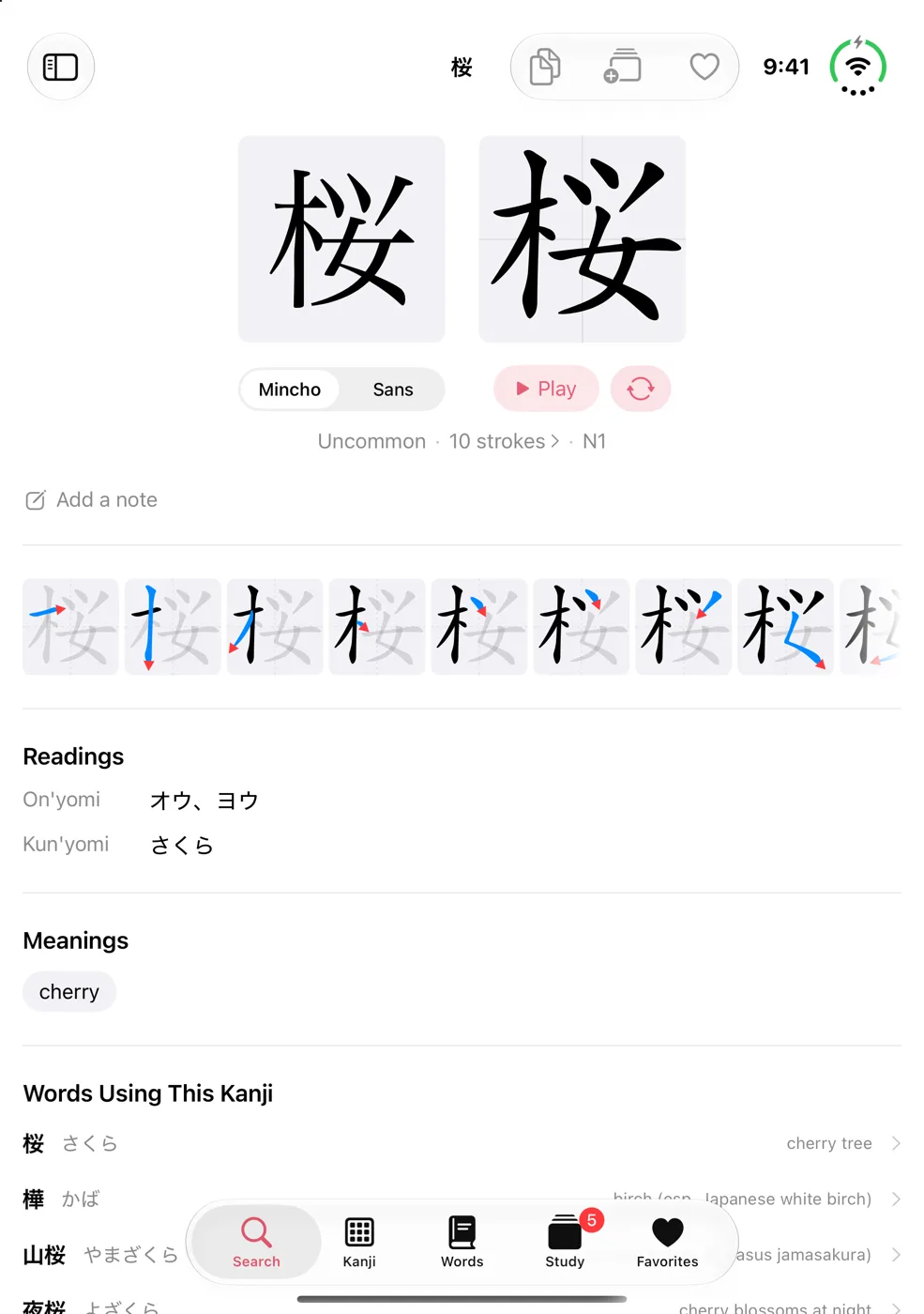
Use the Kanji tab to draw it by hand, or filter by stroke count, reading, meaning or JLPT level. In search, try 4 strokes or N5.
How do I add the Word of the Day widget?
Touch and hold your Home Screen, tap +, then search for “Jisoku”. You'll get a new word or kanji each day.
Contact
Still stuck? Write to us.
JisokuDict is made by one developer, who reads every message. Bug reports, ideas for new features and corrections to dictionary entries are all welcome.
For bugs, it helps to include
- What you expected, and what happened instead
- The steps to make it happen again
- Your device, iOS version and app version (in Settings)
Leave an email only if you'd like a reply. It's used for nothing else; see the privacy policy.